
























Command center
Adoption and compliance health, on one page.
For admins: what needs doing, who is using Amoreg and how the compliance program is holding up.

What needs doing, at the top.
Open findings and suggestions waiting for review, the parts of Amoreg the team barely uses, and Ask Amoreg for three next steps.
- 4 high findings openThe oldest is 12 days oldReview
- 6 suggestions waitingOwners and review cyclesReview
- Probe: used by 2 of 14 membersUnder a quarter of the teamFlagged
Who’s using it, and how much.
Active users, messages, product usage and the top power users, each against the period before, with model spend in tokens and pounds.
- Active users
- 12 of 14+2
- Messages
- 1,184+18%
- Probe interviews
- 9+4
- Model spend
- £214
Compliance health, ready for the board pack.
Findings by severity, time to resolve and Inspector runs. View any card as a chart or a table, or download it as CSV.
- Median time to resolve
- 6 days−2 days
- Inspector runs
- 5
Follow one through. A month of the program, at a glance.
One case from start to finish, as it lands in the record. Choose a step to hold it there.
- 7 days to 12 months, or a custom range
- Flags parts used by under 25% of members
- Model spend in tokens and GBP
- Ask Amoreg for three next steps
- Admins only
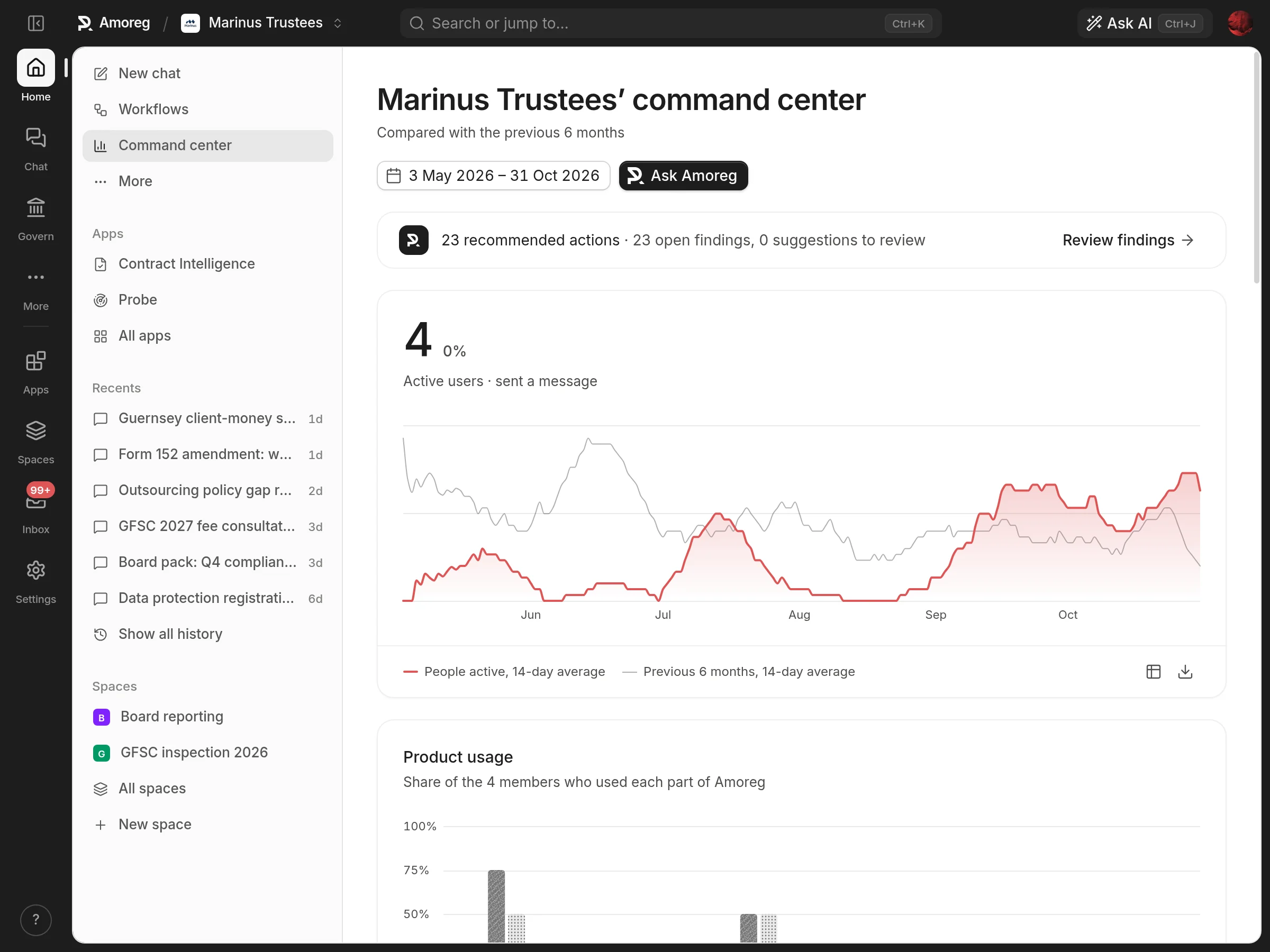
In the workspace. The real screen, not a drawing.
The command center shows recommended actions, team activity over time and how each part of Amoreg is used.
Three ways to do it. One that keeps the file.
Compare AmoregGeneral descriptions of each approach. Some assistants add connectors, citations and enterprise controls; we are happy to compare Amoreg with the tools you use today.
Connects to the systems your firm already runs.
All integrations

Questions.
Every questionWho can see the command center?
Organization admins only.
What does it measure?
Active users, messages, use of each area, open findings by severity, time to resolve, suggestions, Inspector runs and model spend.
Can we use the numbers elsewhere?
Yes. Every chart turns into a table and downloads as CSV, and Ask Amoreg suggests three next steps.